
A tour of your Home Page and sidebar
When you log in, you land on your Home Page. This gives you a snapshot of your performance and quick access to other areas of your account. Here's a tour so you know where to find things.
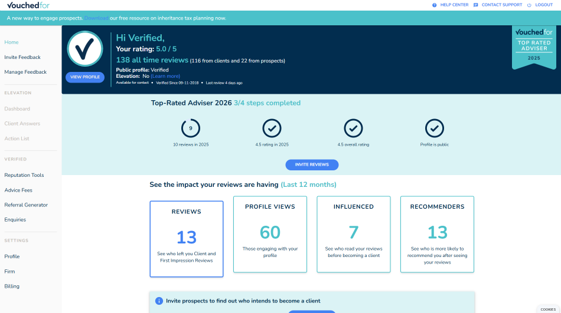
The top banner
At the very top of the Home Page you'll see:
Your name and current star rating
All-time reviews, broken down by clients and prospects
Your plan and profile status, confirming your profile is active and visible to the public
Your Top Rated Adviser badge, if you've qualified for the current year's Top Rated Guide

Top Rated progress tracker
Just under the banner, a progress tracker shows how close you are to qualifying for next year's Top Rated Guide. Once every step is ticked, you're automatically included.
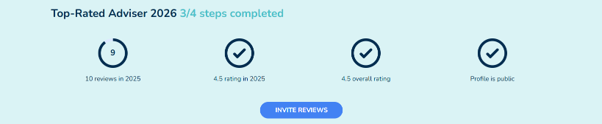
Your Verified dashboard
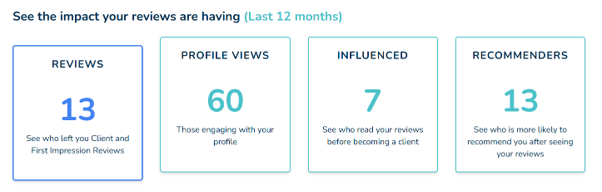
Scroll down for your Verified dashboard, where the key performance stats live:
Reviews
A chart of your review activity over time, plus your reply status
Profile Views
Traffic to your page and how visitors found you
Influenced
Clients who said your reviews were part of why they chose you
Recommenders
Happy clients likely to refer you
The View Profile button
Under your photo, click View Profile to open your public profile exactly as prospective clients see it. Handy for previewing every time you edit.
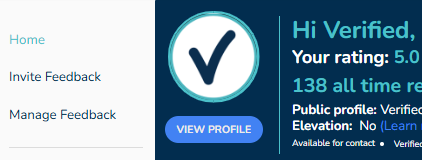
The sidebar
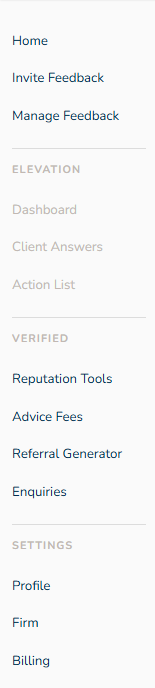
The left-hand menu is how you navigate around. It's split into four main sections:
Home / Feedback This includes your Home page (where you are now) and the invite and manage feedback section. Elevation Greyed out for Verified Only users unless you, your firm or network purchase a Elevation licence. Elevation gives deeper analytics and client outcome tracking. See an overview of Elevation here. Verified This is where you’ll find all the benefits and tools included in your Verified licence.
Settings This is where you can edit your personal / firm profile information and access all admin and account controls, including billing, plan details and FCA details. |
|
For step by step setup, head to Your first week checklist.